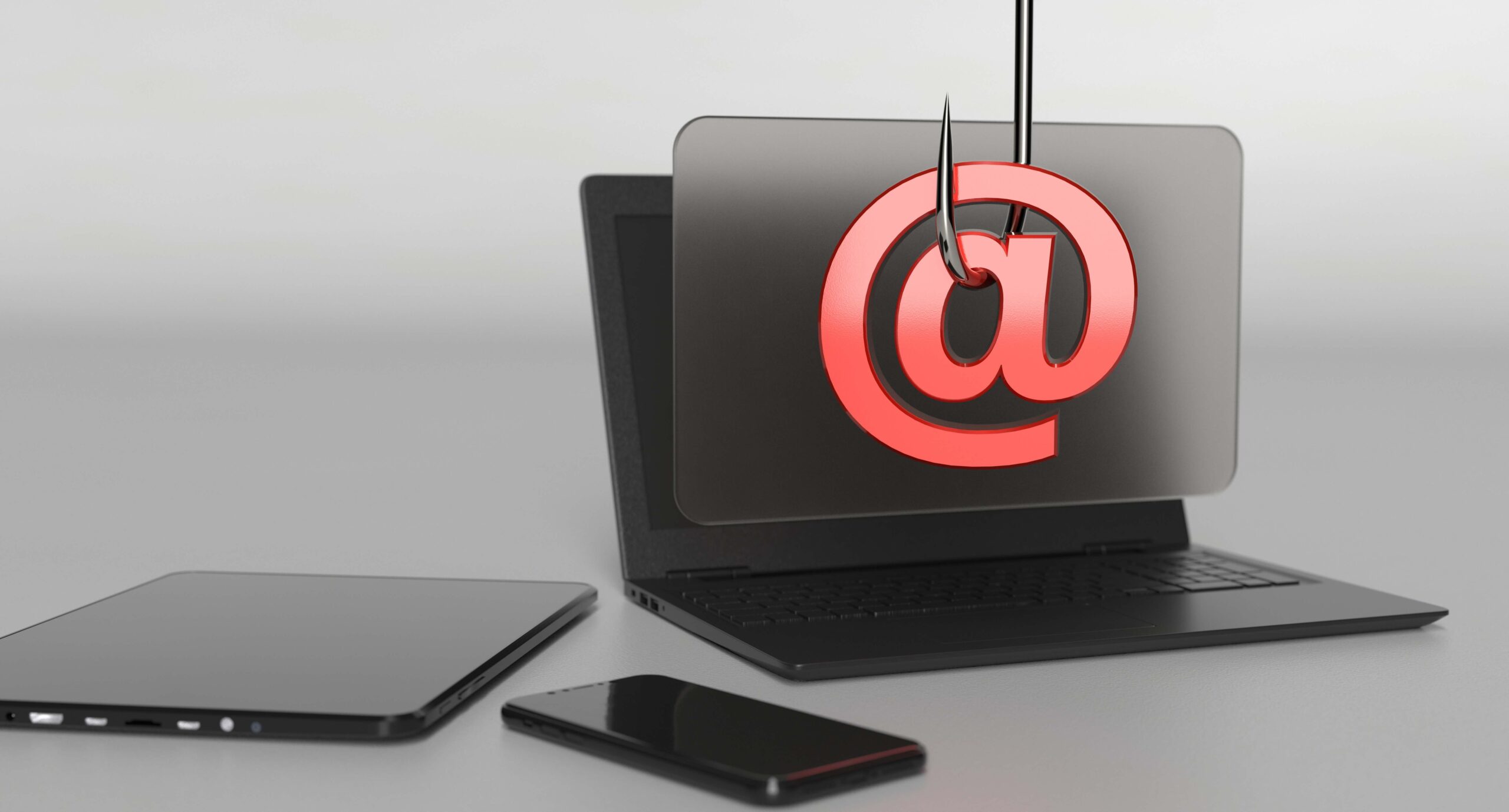
If you’re like most people, you probably think of phishing as an email scam in which someone tries to get your personal information by pretending to be from a reputable company. While that is one type of phishing attack, there is another kind that is even more dangerous: spear phishing. Spear phishing attacks are much more targeted and can be very difficult to spot. In this blog post, we’ll discuss what spear phishing is and how you can protect yourself from it.
What is spear phishing?
Spear phishing is a type of attack that uses carefully crafted emails to target specific individuals or groups. The goal of a spear phishing attack is to gain access to the target’s account or personal information, or to impersonate the target in order to gain access to confidential information or systems.
Spear phishing is often used in targeted attack campaigns, where the attacker has specific information about the target and their activities. This can include knowledge of the company’s operations, the target’s email addresses and contact information, or any other details that can be used to create a more convincing email.
How Spear Phishing Works
Spear phishing is a type of attack in which the attacker sends a fraudulent email that appears to be from a trusted source in order to steal information or gain access to accounts. The email may include a link to a website where the user is asked to enter login information, or it may include an attachment that contains malware.
Hacktivists infiltrating government organizations and bringing down their systems are not uncommon. Hackers who work for the government or hacktivist groups are frequently behind these assaults. Private businesses and governments pay a premium to acquire sensitive data from cybercriminals.
Individualized approaches and social engineering tactics are used by cybercriminals to tailor emails and websites to each user. High-level targets in businesses, such as CEOs, may find themselves opening emails they thought were secure. When your security is breached, it is often because of human error. Cybercriminals can easily steal the information they need to attack their networks by making a minor mistake.
Phishing versus Spear Phishing
Phishing is a type of social engineering attack that uses email or malicious websites to solicit personal information from victims. Spear phishing, on the other hand, is a targeted attack that uses customized emails designed to trick specific individuals into revealing sensitive information.
One of the key differences between phishing and spear phishing is the level of customization involved. Phishing emails are typically sent en masse, while spear phishing emails are carefully crafted to target specific individuals. This makes spear phishing much more effective at obtaining sensitive information, as victims are more likely to fall for the scam if they believe the email is specifically addressed to them.
Additionally, spear phishing attacks often involve malware or ransomware payloads, which can allow attackers to gain access to sensitive data or lock victims out of their systems until a ransom is paid. As such, it is important to be aware of the dangers posed by spear phishing and take steps to protect yourself against these attacks.
Common Red Flags of a Spear Phishing Attempt
There are several red flags that can indicate that you may be the target of a spear phishing attempt.
One of the most common red flags is if you receive a message that is out of the ordinary for the person who sent it. For example, if you usually receive messages from your boss about work-related topics, and suddenly you receive a message asking for your bank account information, this could be a sign of a spear phishing attack.
Another common red flag is if the message contains grammatical errors or spelling mistakes. This may be an indication that the message was not written by a native speaker, which could mean that it was not actually sent by the person who claimed to have sent it.
Many senders create an unusual sense of urgency or panic in their messages in order to get the recipient to take action without thinking. For example, a message may claim that your account has been compromised and you need to change your password immediately. This sense of urgency can be a red flag that you are being targeted by a spear phishing attack.
Additionally, if the sender asks you to take immediate action and provides a link to do so, this is often a sign of a spear phishing attack. Be especially wary if the link leads to a website that looks very similar to the website you are expecting, but is actually a fake.
If you receive a message that contains any of these red flags, it is important to exercise caution before taking any action. If you are unsure whether or not the message is legitimate, you can always contact the person who supposedly sent it directly to confirm.
Protect Yourself From Spear Phishing
There are several steps you can take to protect yourself from spear phishing attacks:
Keep your personal information private.
Be aware that information you post on social media, such as your birthday or hometown, can be used to craft a spear phishing email that is tailored specifically to you.
Never click on links or open attachments from unknown senders.
If you receive an email from someone you do not know, exercise caution before clicking on any links or opening any attachments.
Verify the source of all emails before responding.
If you are not sure whether an email is legitimate, take the time to verify the source before replying. You can do this by contacting the sender directly or by checking for grammatical errors or other red flags that may indicate a scam.
Be aware of phishing scams that impersonate your company or organization.
These scams often target employees with access to sensitive data, such as financial information or customer records. If you receive an email that appears to be from your company or organization, do not reply to it without first verifying the source. You can do this by contacting the sender directly or by checking for grammatical errors or other red flags that may indicate a scam.
Never provide personal information in response to an email.
If you receive an email asking for personal information, such as your social security number or bank account number, do not reply to it. Legitimate businesses will never request this type of information via email.
Keep your antivirus software up to date.
Make sure you have the latest version of your antivirus software installed on your computer. This will help to protect you from malicious emails and websites. The majority of computer software systems include security software updates, which should help you avoid typical assaults. Make use of automatic software updates wherever feasible.
Report any suspicious emails to your IT department or security team.
If you receive an email that appears to be a spear phishing attempt, do not delete it. Instead, forward it to your IT department or security team so they can investigate the matter further.
Use strong passwords and change them regularly.
Choose passwords that are difficult to guess and don’t use the same password for multiple accounts.
Report any suspicious emails.
Any suspicious emails should be reported to your IT department or security team. They can help verify whether the email is legitimate and take appropriate action if it isn’t.
Implement a Data Protection Education Program for your Organization
One of the best ways to protect your organization from spear phishing attacks is to educate your employees about the dangers of these scams. You can do this by implementing a data protection education program. Your data protection education program should include:
- The definition of spear phishing and how it differs from other types of phishing attacks.
- The various methods that spear phishers use to gain access to information or impersonate individuals.
- The red flags that indicate that you may be a target of a spear phishing attack.
- The steps you can take to protect yourself from spear phishing attacks.
- How to report suspicious emails to your IT department or security team.
- The importance of using strong passwords and changing them regularly.
By following these simple steps, you can help protect yourself from spear phishing attacks and other types of cyber threats.
There When You Need Us
Home Bank of California is committed to safeguarding your business and personal information. To learn more about our many services that enable you to confidently and securely conduct business transactions for your company, contact us now.
All the facts you’ll need to avoid fraud are included in our comprehensive Cybersecurity Awareness collection of articles and tools.